Stop Coding from Memory: An Introduction to Version Control
If you are aiming to be a good software engineer, knowing Git and GitHub, aka version control, is essential. Every day you are going to write a lot of code, and we put lots of effort into making it better.
There is no point in putting such efforts in if we can't reuse them in the future when we need them.
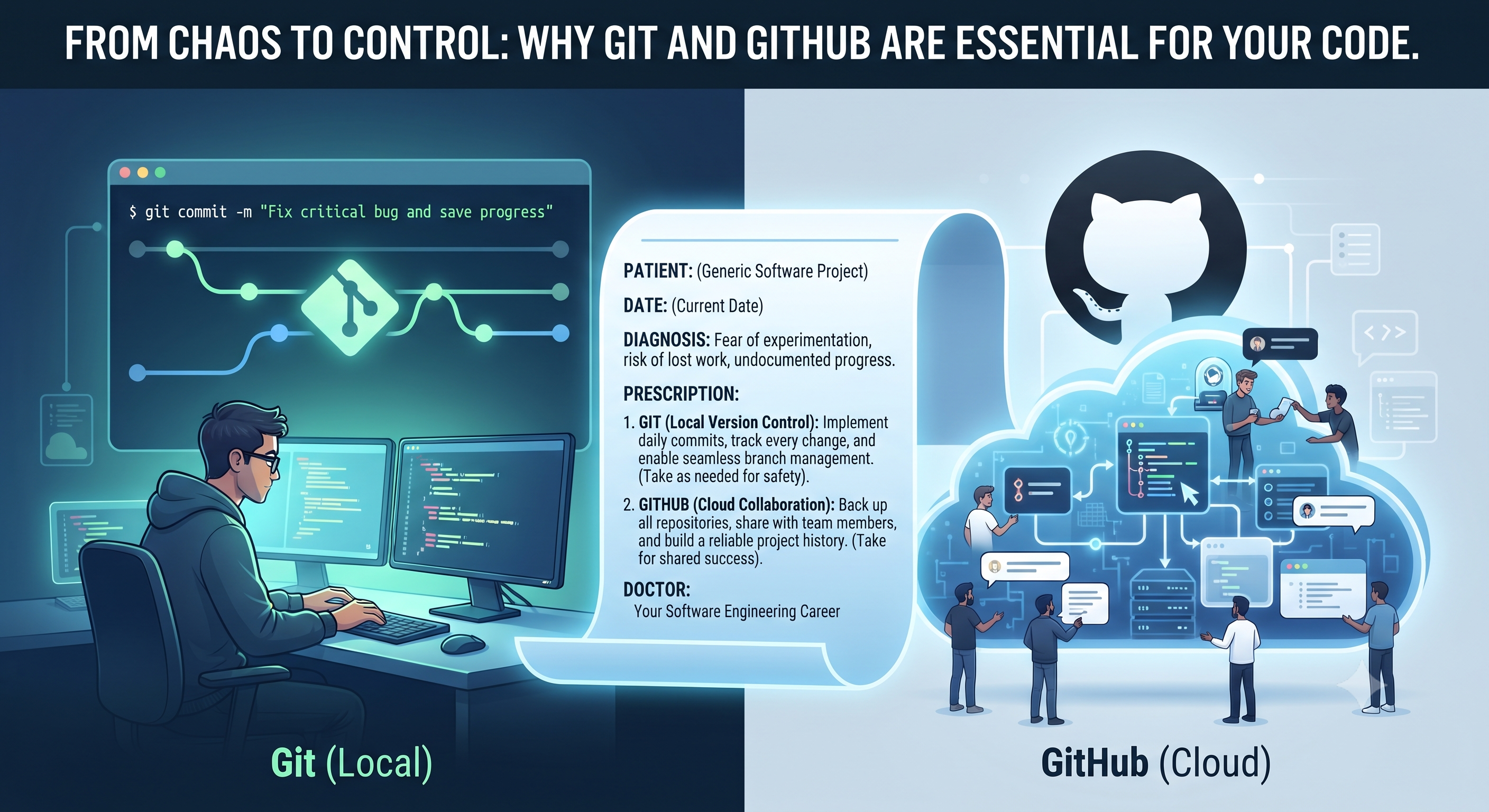
We can feel the pain through this analogy. Imagine visiting a doctor who just tells you a diagnosis and a list of medicines verbally. By the time you reach home, you might forget the dosage or the exact name.
Doctors write everything down on a prescription. It acts as a reliable record of what worked, what didn't, and what needs to be followed up on.
As engineers, our code is our prescription for solving the problems. Without version control, we are just working from memory—hoping we remember why we wrote a specific line of code six months ago.
Git is your personal notebook that tracks every single change you make to your code.
It allows you to experiment fearlessly. If a new feature breaks your application, you don't have to panic or hit "Undo" a hundred times; you simply revert to a stable version.
It saves your past efforts, allowing you to copy, adapt, and reference solutions you built months ago instead of reinventing the wheel.
If Git is your personal notebook, GitHub is the secure cloud archive where you back it up and share it with the world.
Just as multiple specialists might need to look at a patient's chart, team members can review, suggest improvements, and build upon your code seamlessly.
It serves as public proof of your work, showing the evolution of your skills and projects.
This post is part of my Git & GitHub Series, dedicated to taking you from version control beginner to confident developer. Stay tuned for the next article in this category, where we’ll dive into how to set it up on your machine!
About the author
- Hi, I'm a software engineer passionate about building robust applications and simplifying complex technical concepts. Beyond writing code, I love sharing my learnings through blogs.
Comments
Join the discussionGreat work keep it up 🔥
Git & GitHub Mastery
Welcome to Git & GitHub Mastery—your ultimate roadmap from version control beginner to confident developer. As software engineers, every line of code we write is an effort to solve a problem. But without proper documentation and version control, that effort gets lost in the past. In this series, we break down essential developer tools using real-world analogies, practical workflows, and step-by-step guides. Whether you're writing your very first commit or managing multi-developer projects, this series will help you move from chaos to total control. Join me as we build better habits, protect our code, and level up our engineering journey together!